Settings Valet 0.2.6 for macOS
Every leftover
in System Settings, pointed out.
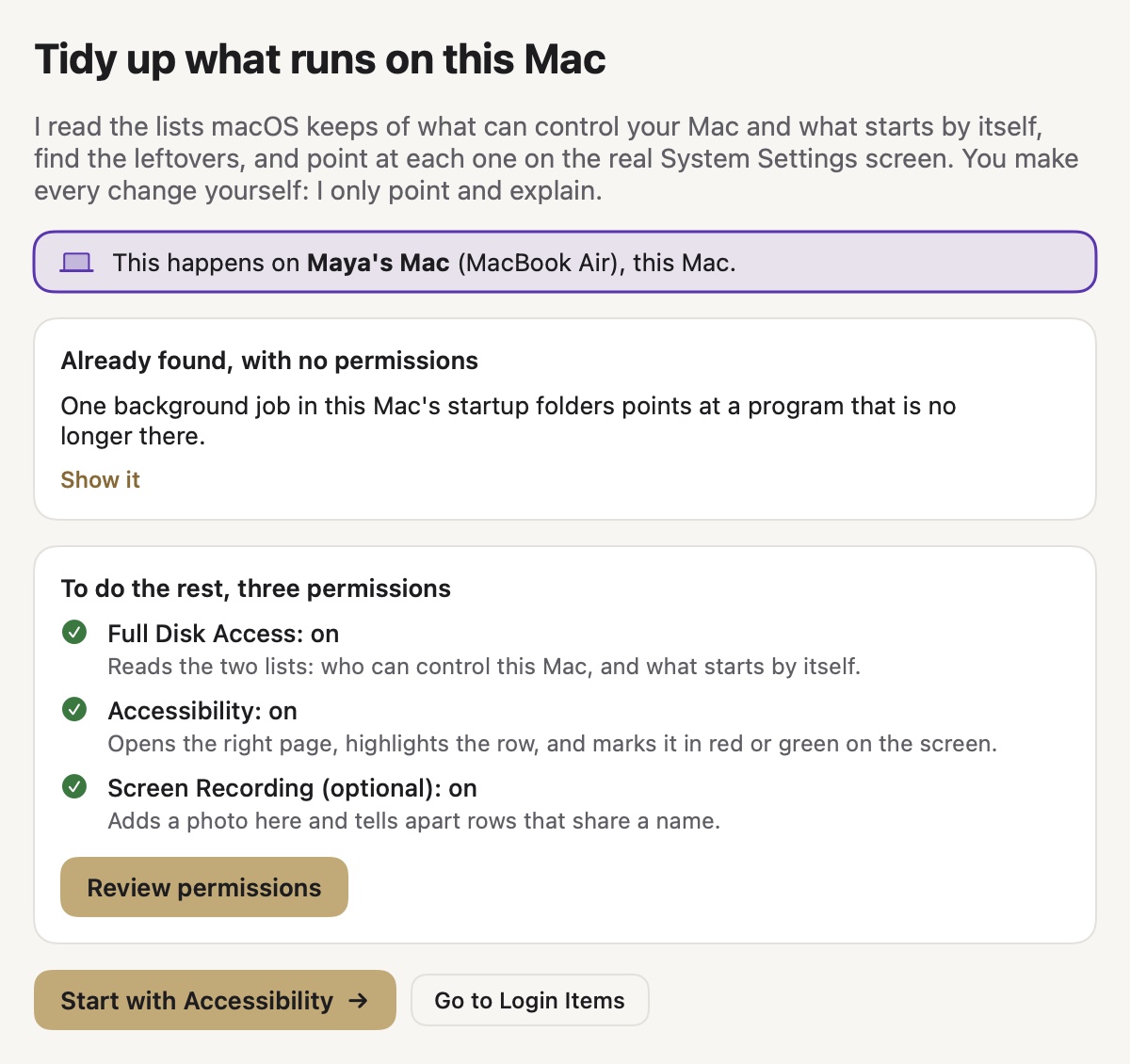
Settings Valet reads what can control your Mac and what starts by itself, then marks each leftover in red and each keeper in green on the real System Settings screen. You make every change, with the reason in plain English beside it.
Download Settings Valet 0.2.6
Apple Silicon Mac, macOS 26 or later · 1.4 MB · Disk image
Prefer a zip? Download the .zip · 1.1 MB